Video Highlights
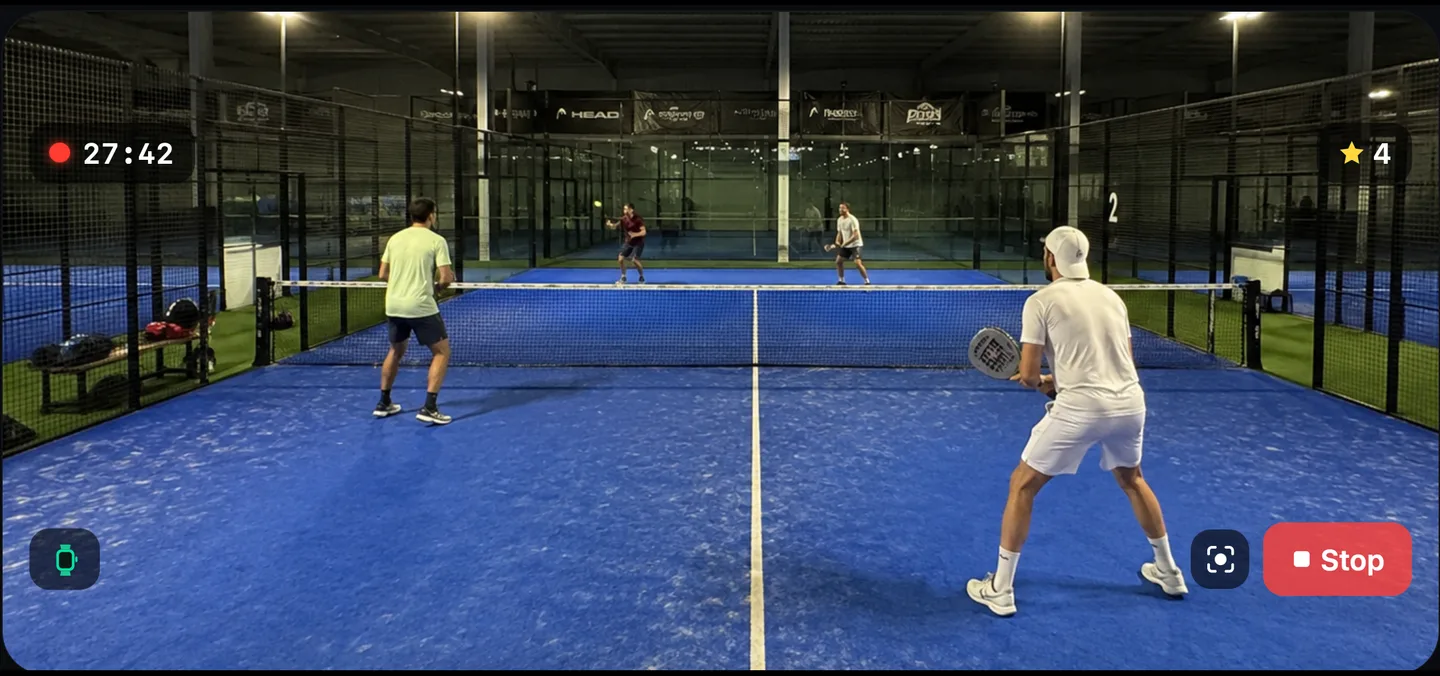
Prop your iPhone anywhere with a view of the court, ideally the back glass: the point that takes each set and the one that takes the match are saved as clips whichever way they go, along with every golden point and every break point you convert.
Key Features
- 01
Prop it and play
Your iPhone films from wherever you propped it, ideally the back glass.
- 02
The deciding points keep themselves
Set and match points whichever way they go, every golden point, and break points you convert.
- 03
Palm, wrist or button
Show your palm to the camera or tap Highlight on your watch to keep any other moment. Double Tap and the Ultra's Action button do the same once you give them that role in Settings.
- 04
All in one place
Review the clips on your iPhone after the match.
- 05
Trim, then share
Cut a clip to the part worth watching and send it through the share sheet.
Explore Other Features
Live Score View
Full-screen scoring on your iPhone: Split Court or Stadium sideways, a focused scoreboard upright, and a full-screen announcement for every moment that matters.
Apple Watch App
Score from your wrist on the screen that suits you, Classic or Court View, and the watch does the rest — three session modes, live heart rate, and everything working offline.
AI Voice Commentary
Hear your match narrated out loud, in the style you choose: Analyst, Broadcaster or Statistician.
Analytics & Insights
Game-by-game breakdowns, serve and return, winners against errors, momentum, and one Performance Score per match.